> For the complete documentation index, see [llms.txt](https://docs.guardianservice.app/llms.txt). Markdown versions of documentation pages are available by appending `.md` to page URLs; this page is available as [Markdown](https://docs.guardianservice.app/technical-information/users/standard-registry-users-schemas-and-policies/policies/exporting-project-data-in-csv/export-documents-in-csv-using-ui.md).
# Export Documents in CSV using UI
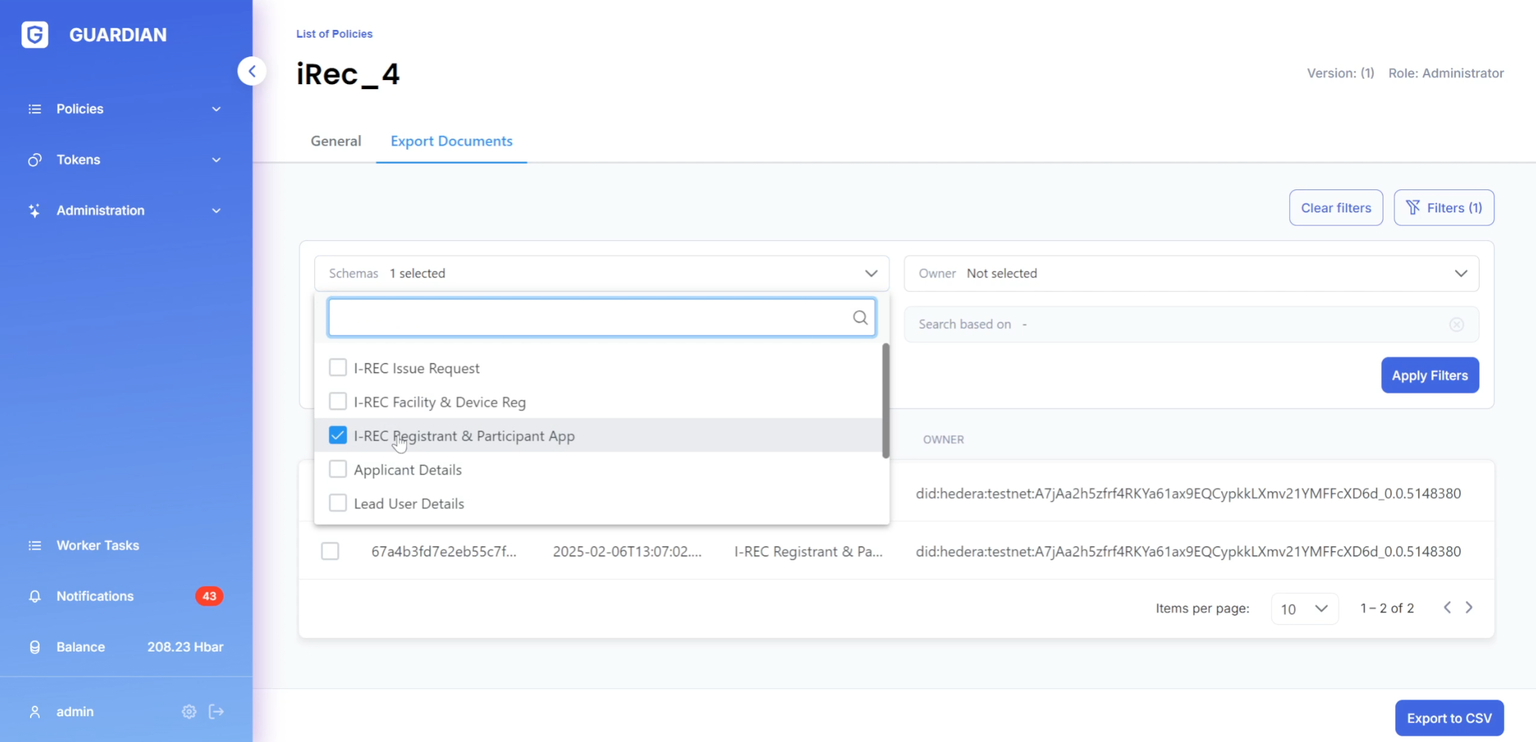
1. Users with the POLICY\_EXECUTE permission can access the "Export documents" tab while executing a policy.
* This page displays a table listing project documents (both user-owned and all documents relevant to the SR role).
* The "Export documents" feature allows users to download these documents in CSV format.
* Clicking the "Export to CSV" button downloads all documents currently shown in the filtered view.
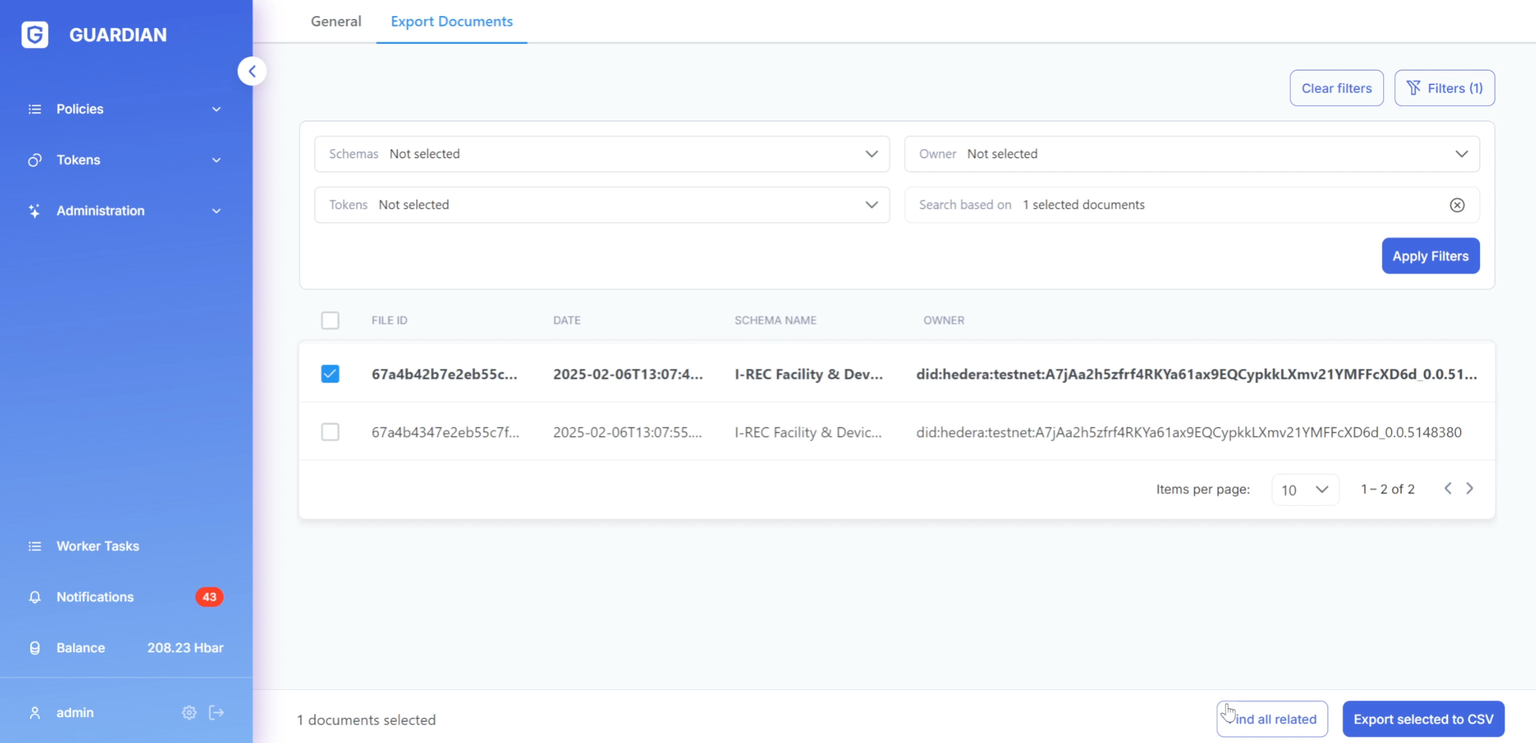
* Alternatively, users can select specific documents from the table to export only those.
2. A filtering section is available to narrow down document selection.
* Filters include schemes, owners (for the SR role), tokens, and related documents.
* To filter by related documents, first select one or more documents from the table, then click "Find all related".
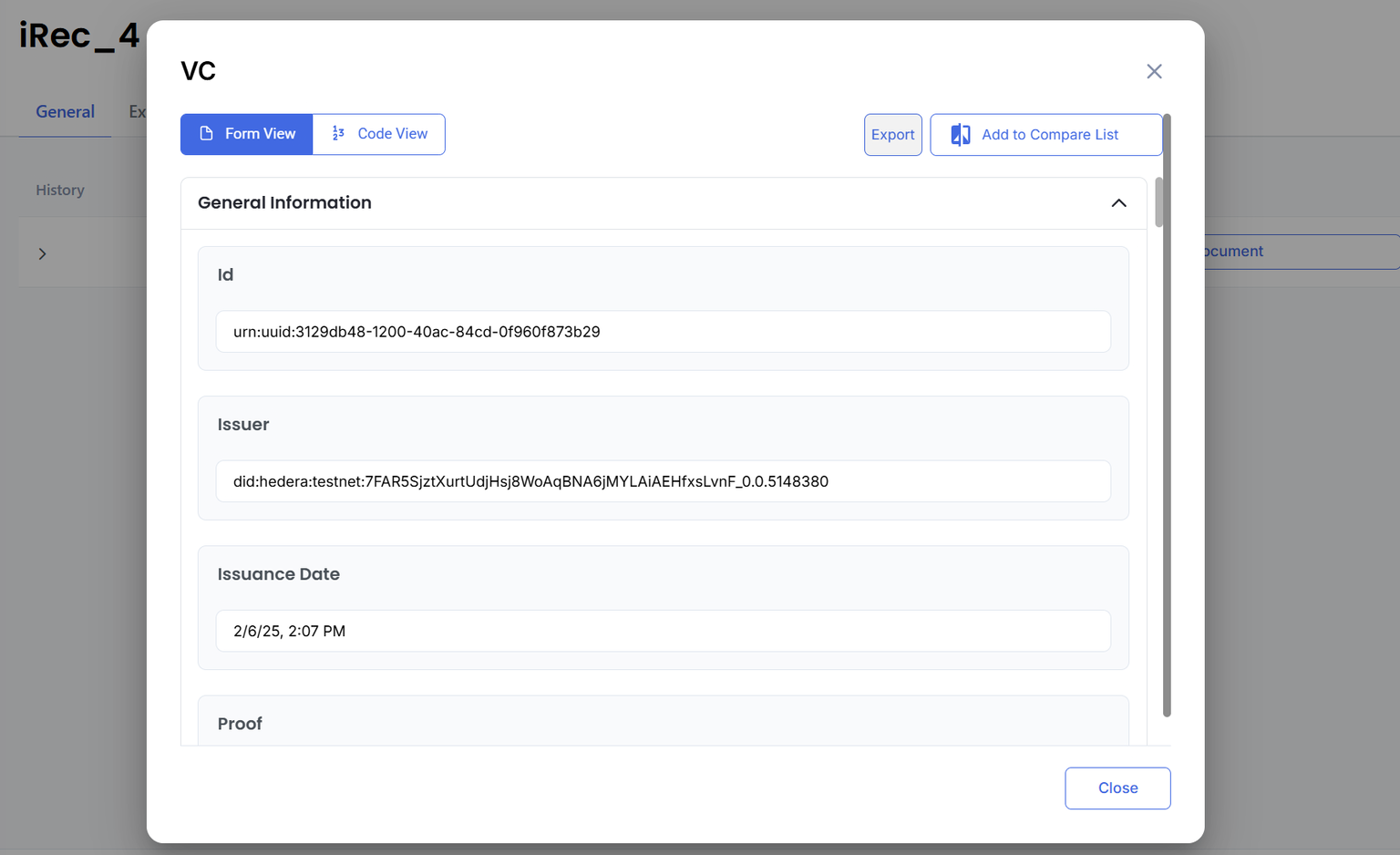
3. Users can also access the "Export documents" page directly from the document dialog window during policy execution.