> For the complete documentation index, see [llms.txt](https://docs.guardianservice.app/llms.txt). Markdown versions of documentation pages are available by appending `.md` to page URLs; this page is available as [Markdown](https://docs.guardianservice.app/technical-information/users/standard-registry-users-schemas-and-policies/policies/auto-suggestion/demo-using-ui.md).
# Demo using UI
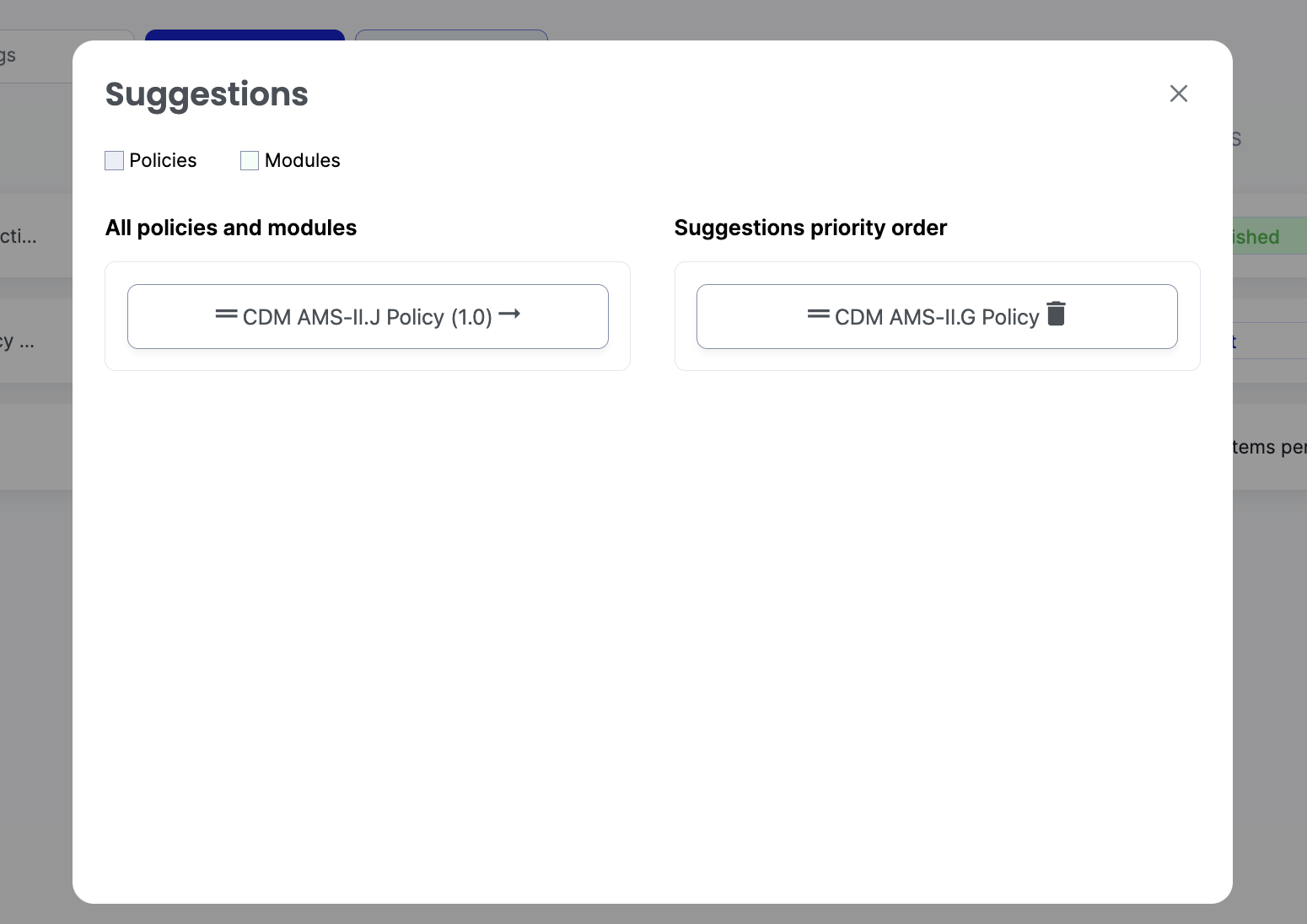
“Suggestions” tab is added for Standard Registry (SR) section under Policies menu option.
1. It allows to setup suggestion priority order of policies and modules. A user with SR role can drag and drop items to create specific prioritized sequence of policies to use for suggestions.
2. Suggestion mode can be turned on by clicking on “Suggestions” button in policy/module configurator
3. When the mode is enabled Policy Configurator displays the most relevant block (based on the policies in the ‘Suggestions’ list) after the selected block (block name and a short description tip are displayed). Users can click on the suggested block to add it to the policy configurator.