> For the complete documentation index, see [llms.txt](https://docs.guardianservice.app/llms.txt). Markdown versions of documentation pages are available by appending `.md` to page URLs; this page is available as [Markdown](https://docs.guardianservice.app/technical-information/process-for-testnet-resets/setup-of-a-user-account.md).
# Setup of a User Account
## Setup of a User Account (Standard Registry and Policy Users)
Please check the invite from the Tenant Admin that is in your email inbox. Click the link that says, "To set up your user account, please click here."
Click "Accept" on the Agreement
In this example, we are creating a Standard Registry user account. Click "Standard Registry"
Fill out the user account information and click "Create"
We will now setup the Vault. Click "Next"
For Testnet, we can click "Skip Vault Setup."
{% hint style="info" %}
if you are using your own MGS Vault for self custody like Hashicorp, you will re-setup the MGS vault configurations instead of "Skip Vault Setup."
{% endhint %}
Fill out the Hedera Account information and click "Next"
{% hint style="info" %}
Please remember that when getting your Hedera ID and Private Key from the Hedera Developer Portal, the Managed Guardian Service uses "**ED25519**" keys. Please ignore "ECDSA" key options.
Additionally, for the Private Key, you will need to use the "**DER Encoded**" Private Key and not the "HEX Encoded" Private Key
{% endhint %}
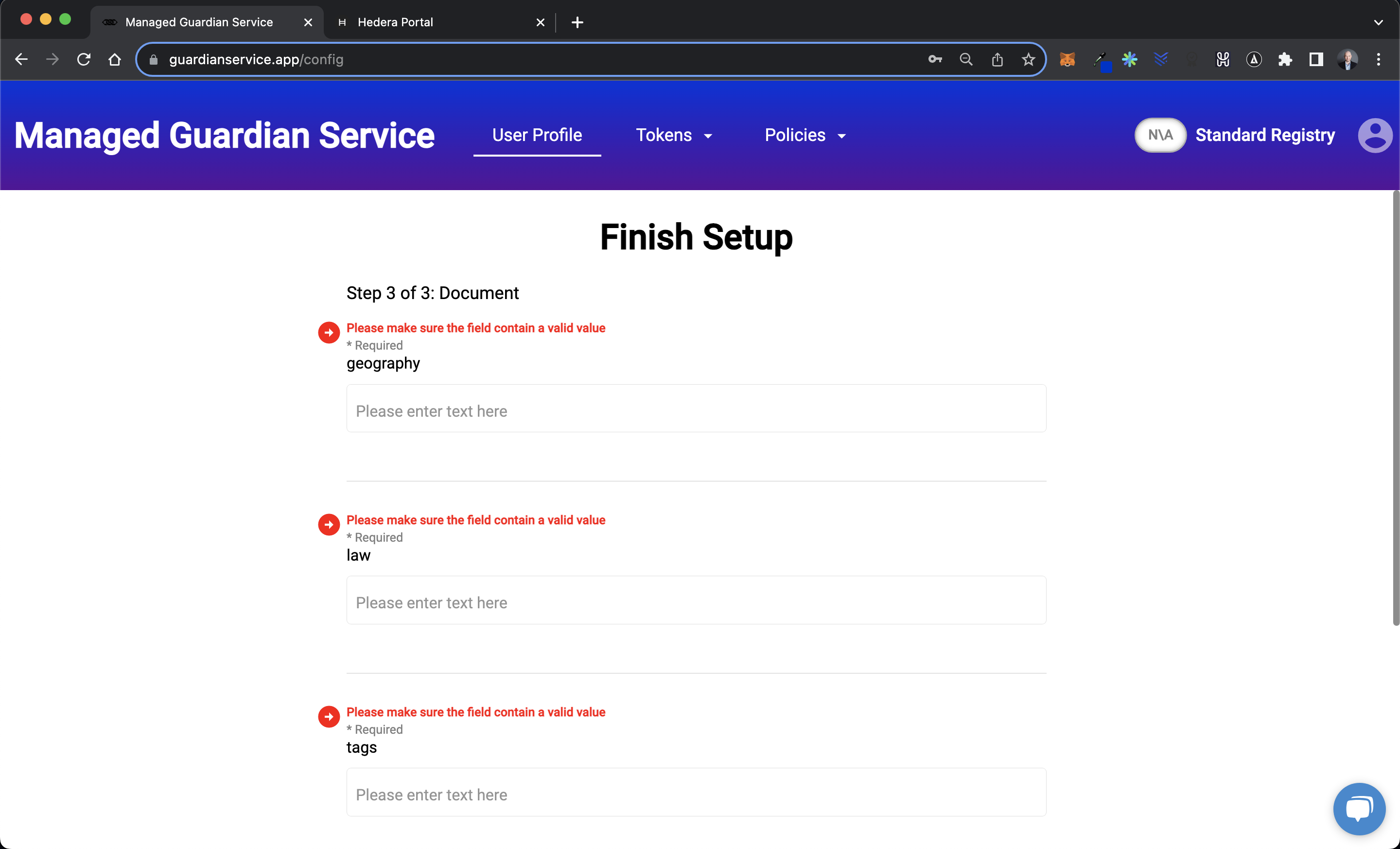
To finish the setup, please fill out the required fields
Your User Account is now setup!
You can now import schemas, policies, etc.


 {% endhint %}